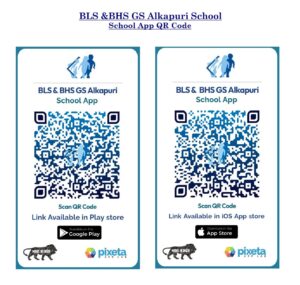

Scan the QR Code and Download School App
- Android Devices: Open your default Camera app and point it at the QR code. It will automatically recognize the link and display a pop-up to open the URL.
- iOS (iPhone/iPad): Use the built-in Camera app to point and scan. You can also press and hold a QR code image in a text or email using the Live Text feature to open the link directly.
- Older Devices: If your camera does not have native support, download a free app like QR & Barcode Scanner from the Google Play Store or App Store.